
Tap any image to see it full size.
The 10 tabs
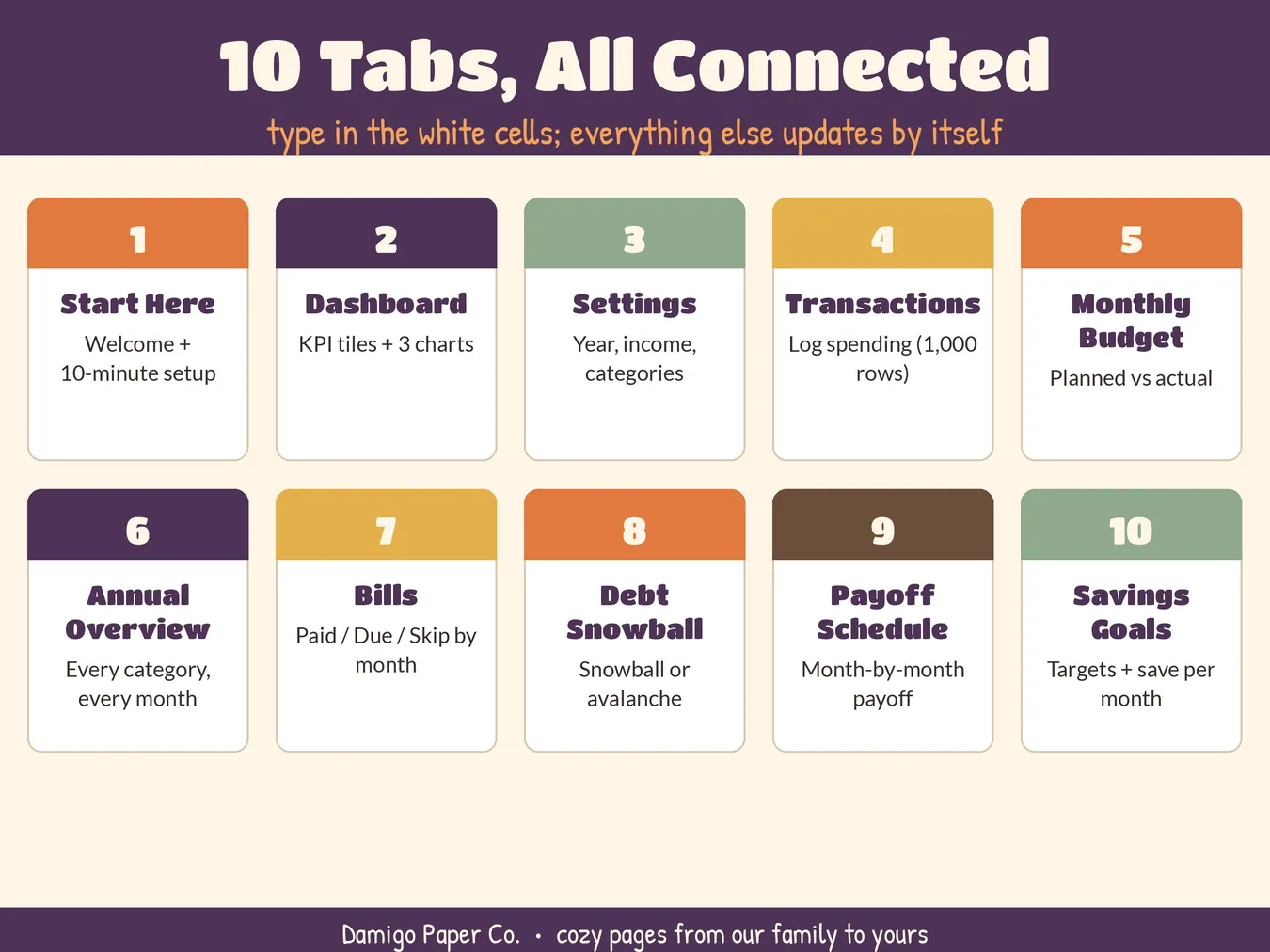
- Start Here: welcome and a 10-minute setup guide
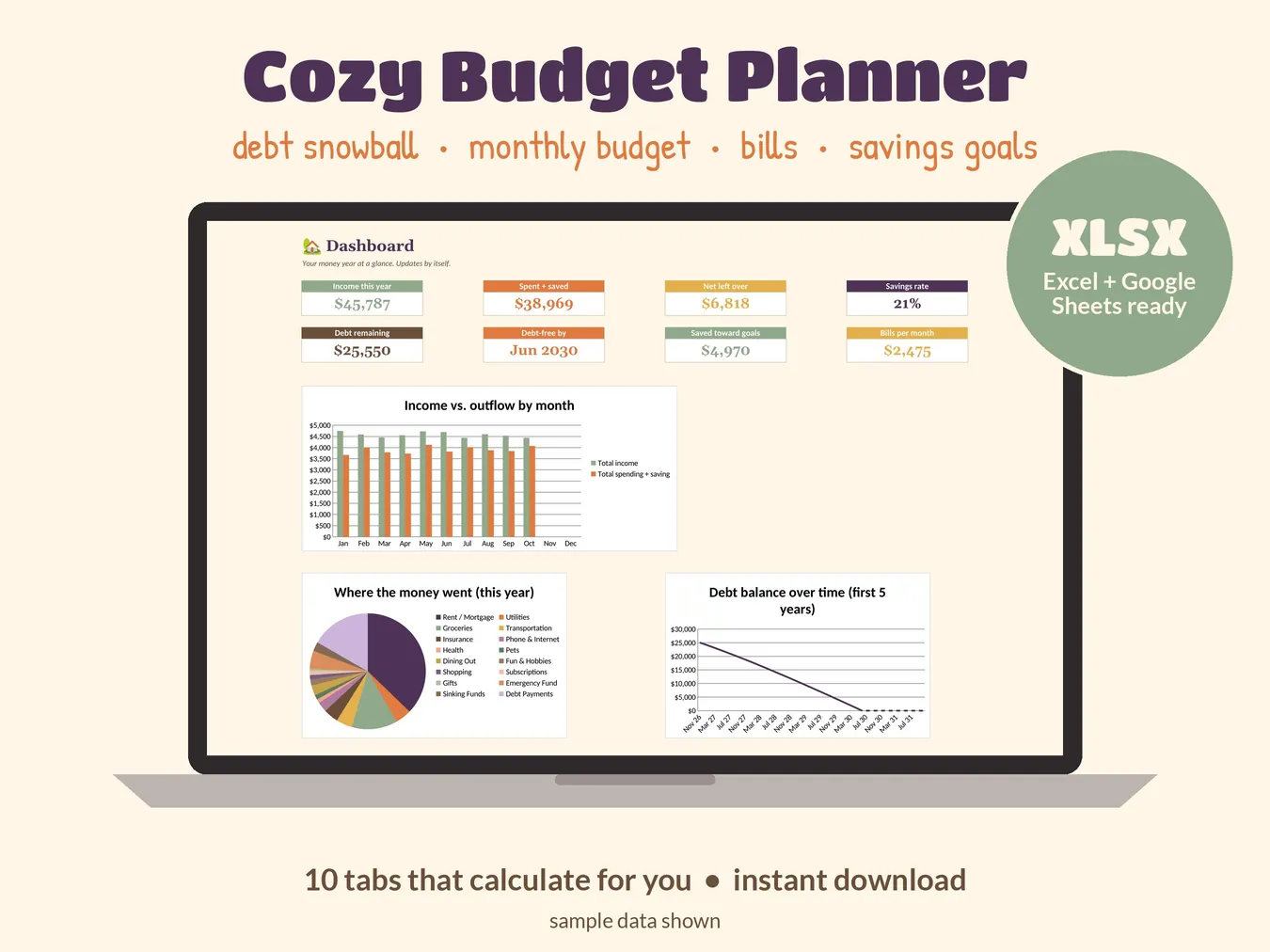
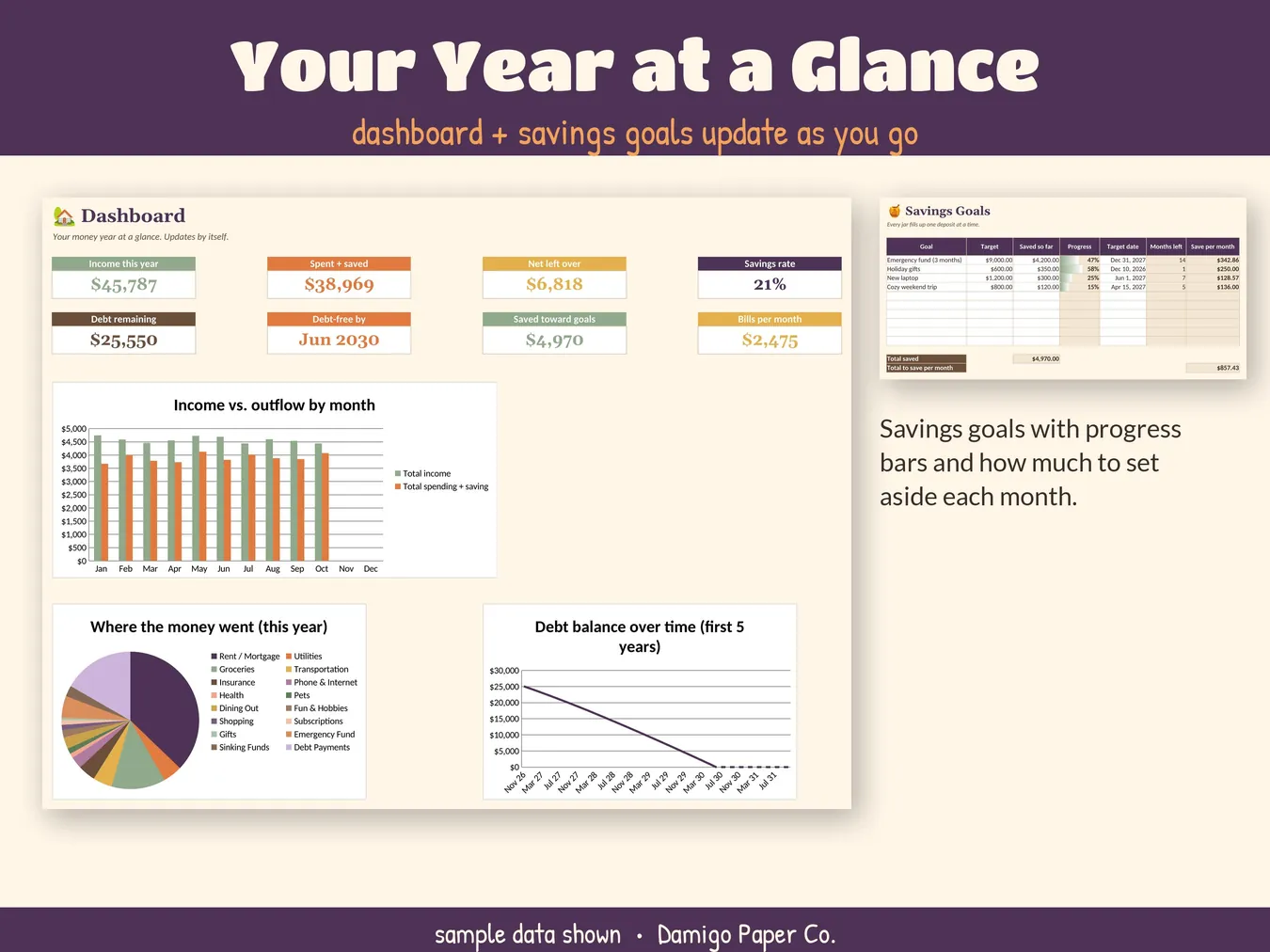
- Dashboard: 8 summary tiles and 3 charts
- Settings: your year, income and up to 28 categories
- Transactions: room for 1,000 entries with category dropdowns
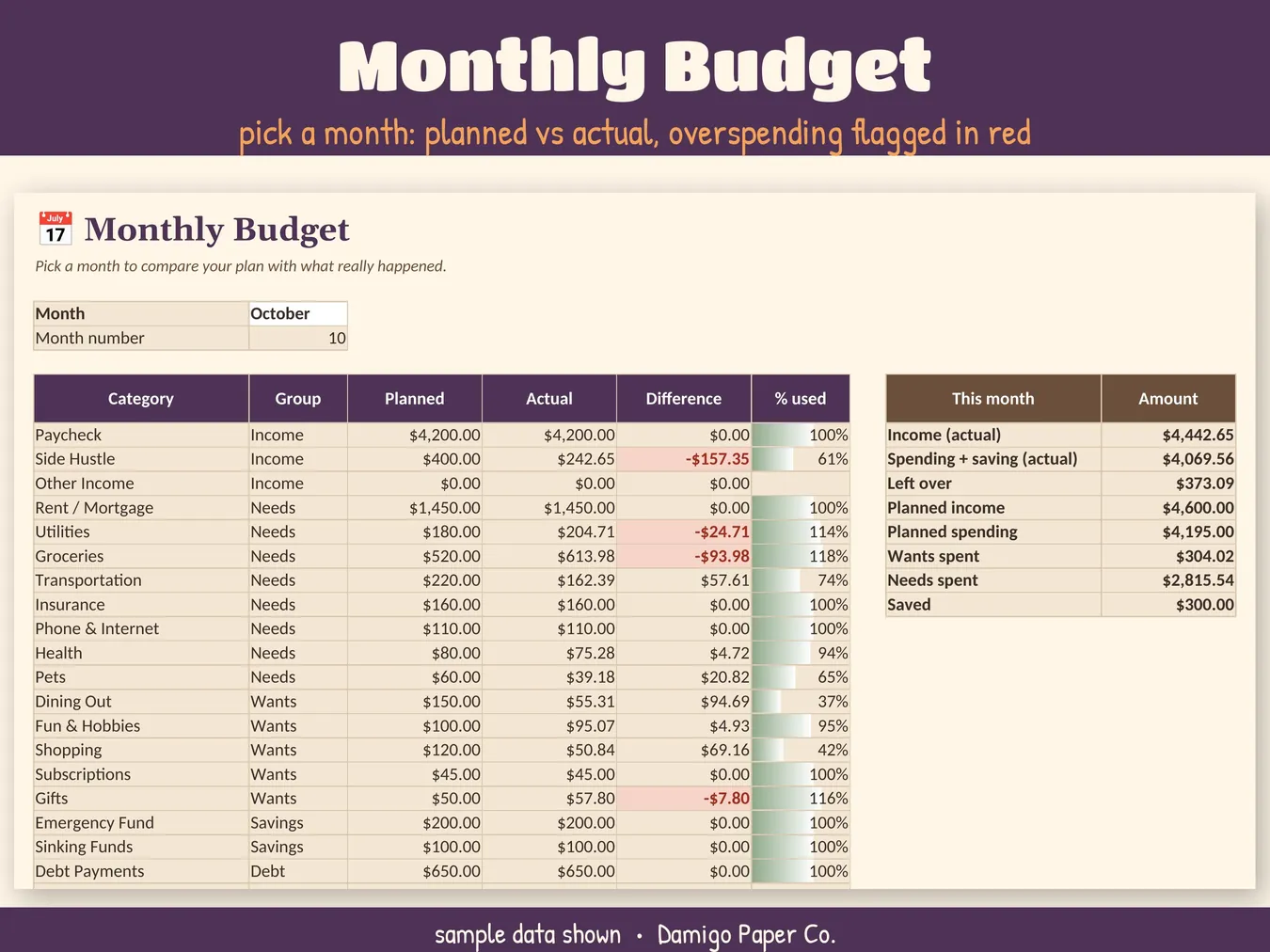
- Monthly Budget: planned vs actual, overspending in red
- Annual Overview: every category, every month
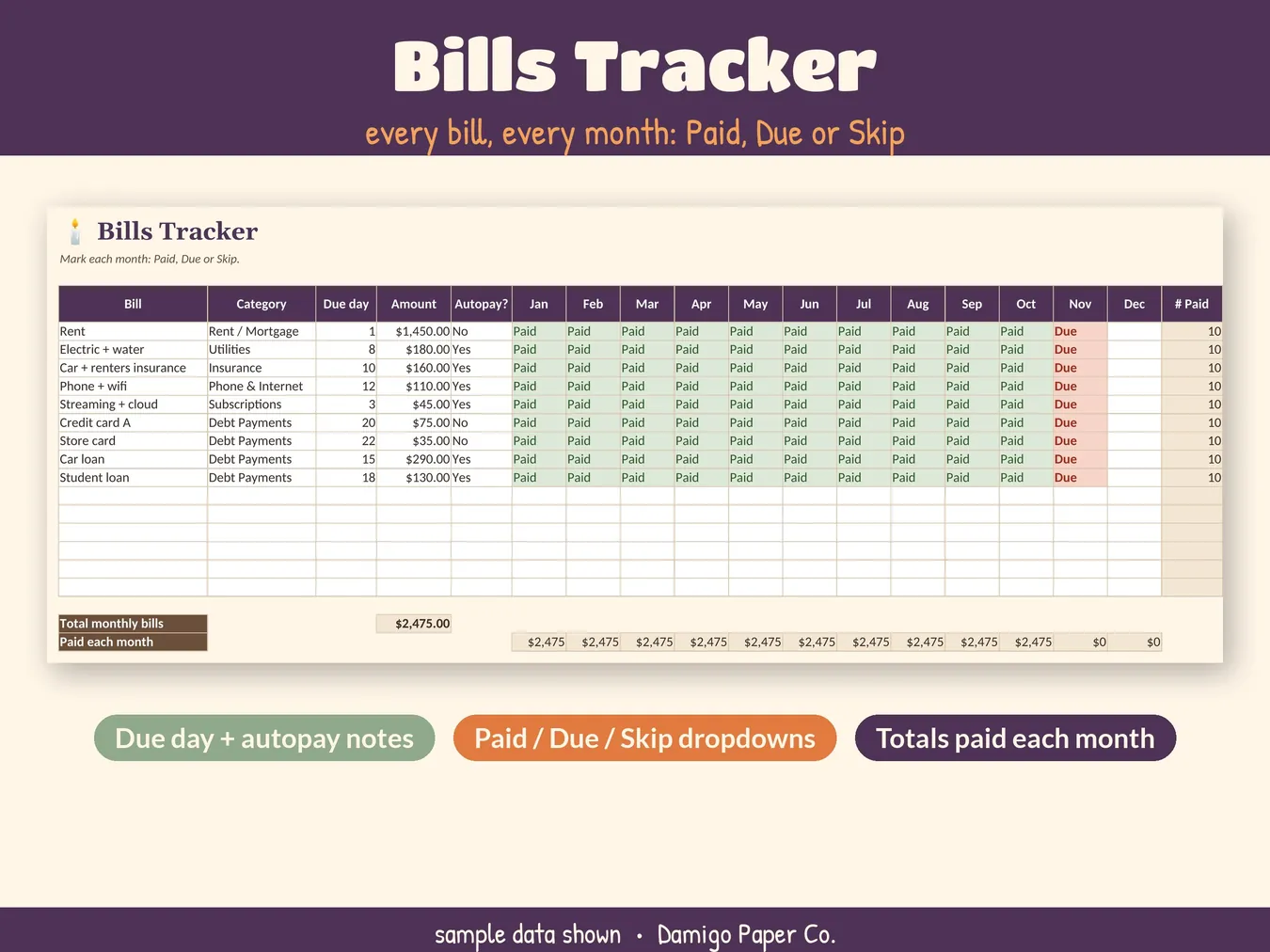
- Bills Tracker: up to 15 bills, Paid / Due / Skip
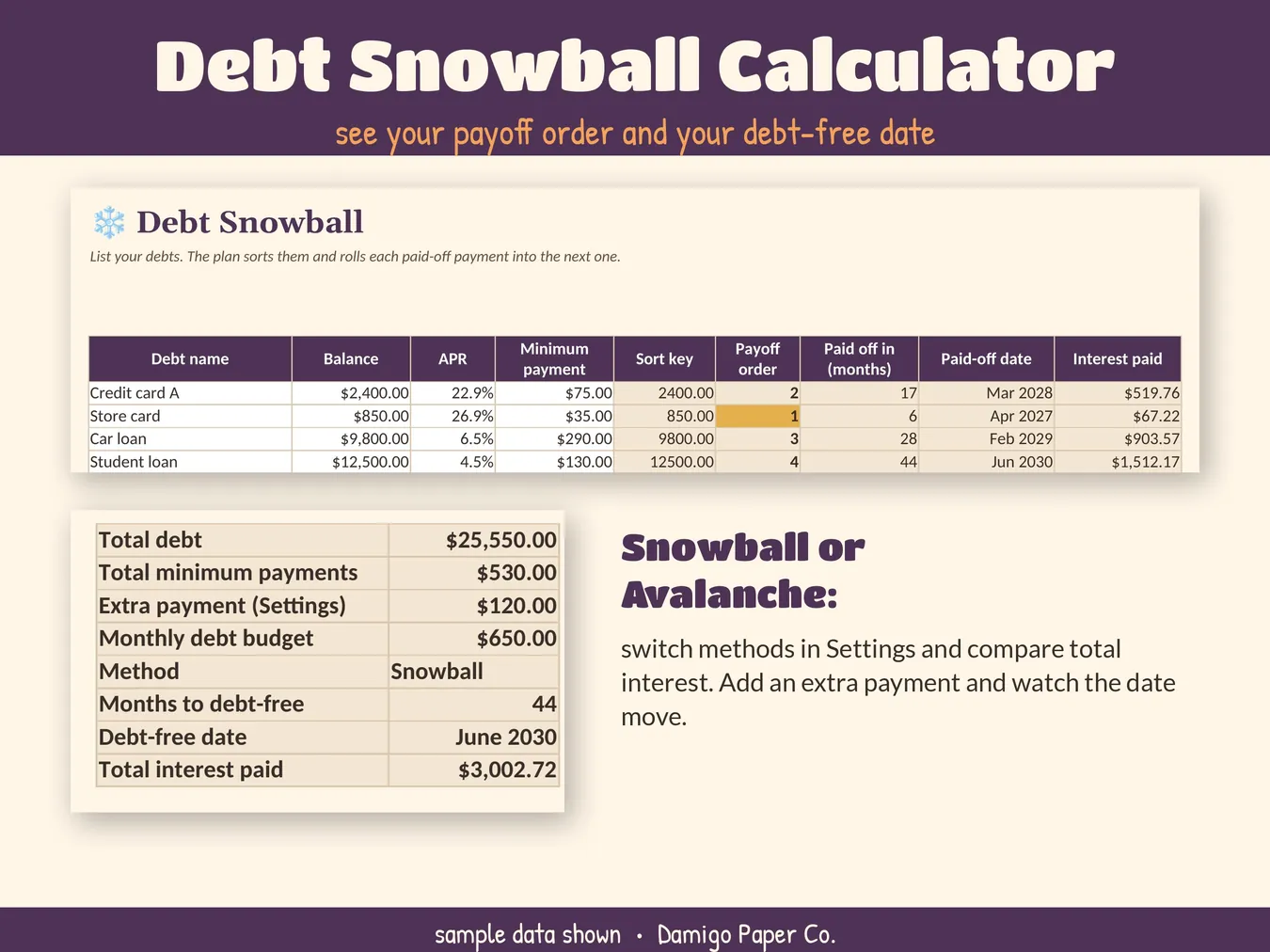
- Debt Snowball: up to 8 debts, snowball or avalanche
- Payoff Schedule: month by month, up to 20 years
- Savings Goals: 10 goals with progress bars
What you get
| Spreadsheet | 1 Excel file (.xlsx) with all 10 tabs, about 0.2 MB |
|---|---|
| Guide | 1-page PDF quick-start guide |
| Sample data | Included, so you can see how it works. Clear the white cells to start. |
| Currency | $ format, easy to change to your own symbol |
Compatibility
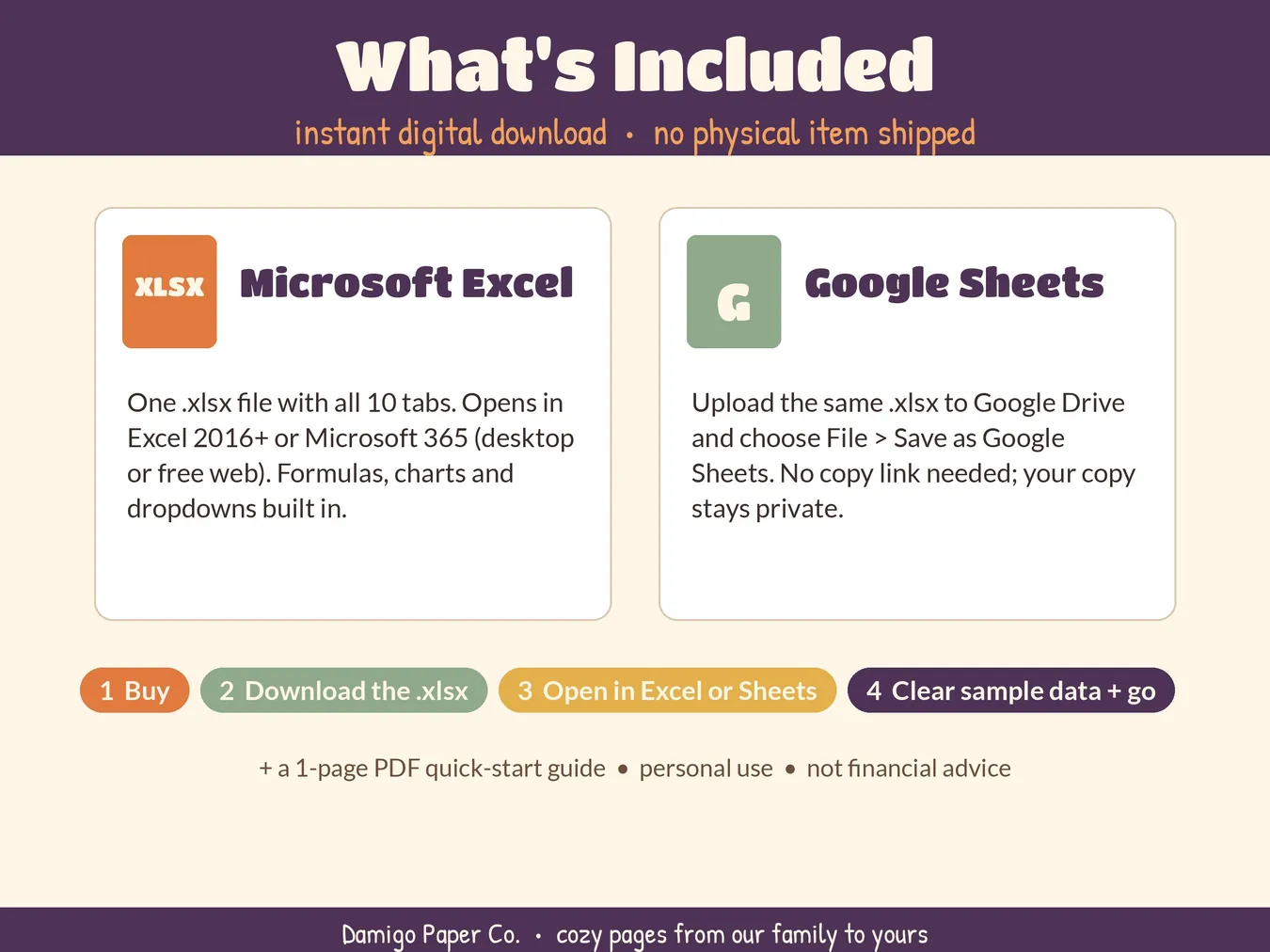
| Microsoft Excel | Excel 2016 or later, or Microsoft 365 (desktop or free web). Double-click to open. |
|---|---|
| Google Sheets | Upload the .xlsx to Google Drive, open it, then choose File › Save as Google Sheets. Your copy is private to you. |
| LibreOffice Calc | Opens and recalculates correctly. We test every formula here. |
| Apple Numbers | Opens, but some colors, data bars and charts may look different. We recommend Excel or Google Sheets. |
The planner uses only everyday spreadsheet functions (no macros), so nothing needs enabling.
How it was made
Damigo Paper Co. designed this planner and built it with help from AI tools. We test the formulas with fresh recalculation, including snowball mode, avalanche mode and a fully cleared planner.
Good to know
- For your personal use. Please don't resell or share the file.
- This planner is a tracking tool, not financial, tax or legal advice.
- Because it's a digital file, there are no returns. But if something doesn't work, write to us and we'll sort it out.